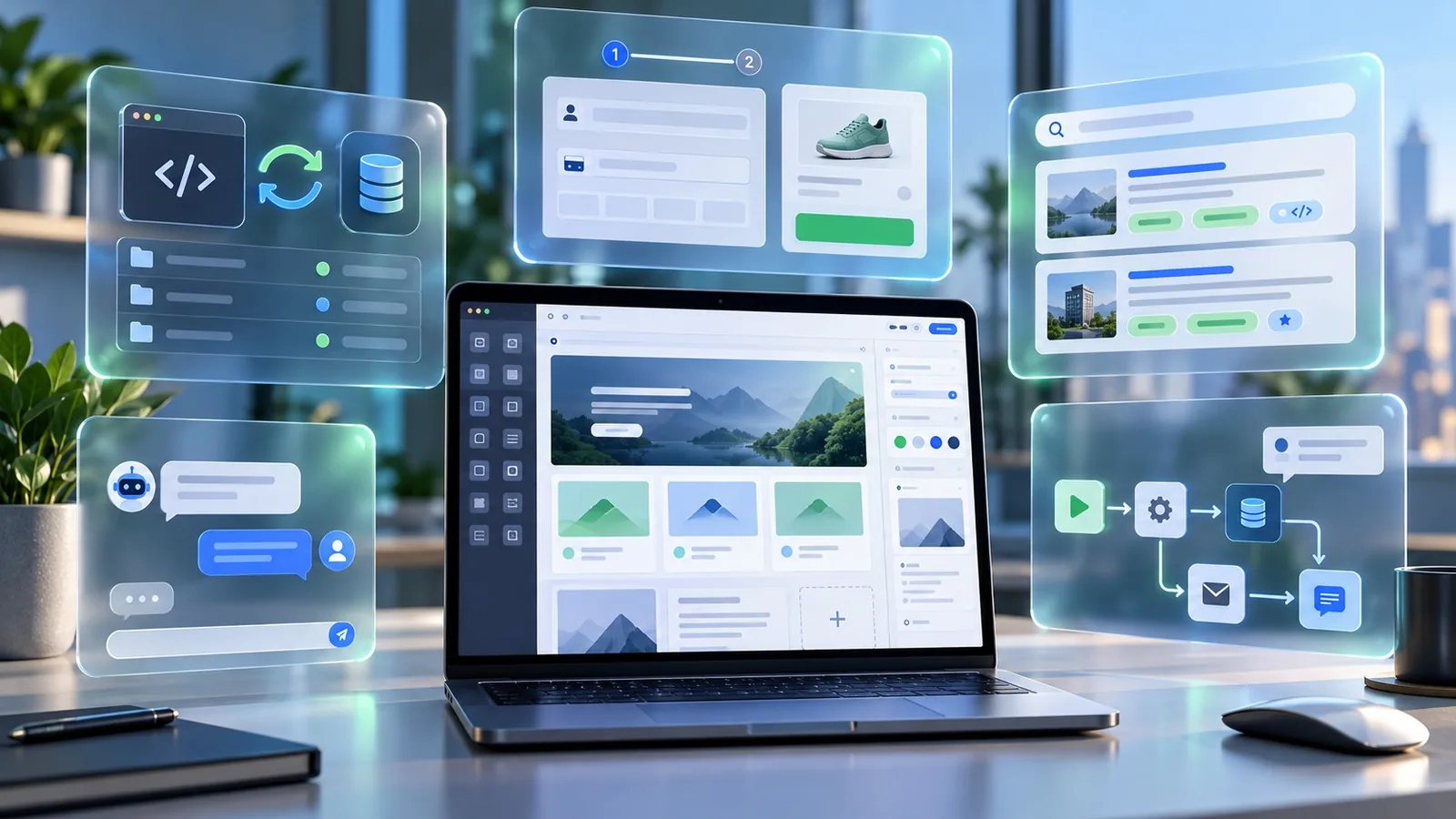

GoHighLevel kicked off its annual Level Up conference by announcing over 300 new updates. If you weren't in the room, the official rundown comes later this week.
You don't have to wait. A lot of these are already sitting in Labs, ready to turn on. I went in, switched them on, and some of them blew my mind. A few I'd been waiting on for a long time. A couple I had no idea were coming.
Here are the five that stood out, plus the rest of the Labs list worth knowing about.
See the new features on screen:
1. The New GHL Look and Feel
I've been waiting for this one.
The new interface is so much more modern. Let's be real: GHL always looked a little ugly, especially the side panels. That's fixed.
What changed:
- Better organized menus. Everything has the same names, but it's grouped by category (AI, CRM, automations, marketing, sites, reporting), so your menu isn't a mile long.
- Customizable menu. Click Edit at the bottom to reorder anything.
- Pins. Pin the things you use most to the top, so you're not digging through settings.
- A full AI section. Ask AI, Getting Started, Agent Studio, AI Studio, Voice AI, Conversation AI, and the new Creator Studio.
- Faster navigation. Click into contacts and the menu doesn't reload. It only loads that section.
- Settings without the extra page. Custom fields, custom values, objects, and settings all open right from the menu.
- Sub-account switching. See your groups and sub-accounts, search them, reorder them, and create a new sub-account right from there. No more going to agency settings.
There's even a new Events section where you can manage events, QR codes, and tickets.
To me, this whole release is GHL telling every other platform: you can get all of this starting at $97 a month. It went from competing to be the best CRM to just being number one.
2. Meeting Rooms (Stop Paying for Zoom)
Inside the Creator Hub, you now have Meetings. It looks and works a lot like Google Meet.
- Create multiple rooms, each with its own room link
- Use a waiting room
- Lock a room with a six-digit code
- See your past meetings in one list
I can see communities using this for breakout rooms and office hours. My guess is it will tie into the calendar, so bookings get a GHL room instead of a Zoom, Google Meet, or Microsoft Teams link. I've only had a few hours with it, so I'm still digging in.
If you sell GHL as a SaaS, that's one more piece of software your clients can cancel. I'm already updating our SaaS pages.
3. Client Portal AI App Studio
This is my favorite.
The community section always felt like it had one hand tied behind its back. I even built my own custom resource portal to plug into it. We kept asking GHL for more, and basically they said: go build it yourself.
Now you can. AI App Studio lets you build branded apps (web, iOS, and Android) for your clients to book, pay, learn, whatever you need. There are sample prompts and a prompt guide to get you started.
And here's the part I love: it doesn't burn your AI usage. You connect GHL's MCP to your own AI tool and build there.
How to connect it with Claude Code:
- Copy the setup command from AI App Studio (it also has steps for ChatGPT, Codex, Cursor, and VS Code)
- Paste it into Claude Code
- Run
/mcpand pick LeadConnector from the list - Sign in and choose the sub-accounts it can access
- Tell it you want to work in AI App Studio for that sub-account and start building
Not sure what to build? Ask it: "Here's what I want to do. Is this possible?"
This blows the old community setup out of the water, and Circle too. We can build custom portals for our clients' clients. That's another reason to get on GoHighLevel, and to upgrade.
4. Creator Studio
Under the AI section, Creator Studio is pretty much Canva (or Claude Design) inside GHL.
- Start from a template or describe what you want
- Create social media posts and designs
- Edit photos
- Create and edit video and reels
Your work saves to your projects, and I expect it to land in Media so you can grab it anywhere in the account.
I haven't seen pricing or usage details yet. Usually GHL lets everyone test new AI tools while they're in beta.
For clients, this is a real upgrade. Their office manager can log in and make posts for the business without another subscription.
5. GHL Labs: Everything Else You Can Turn On
Labs is where you switch all of this on.
Where to find it: go to Settings in your agency account, then Labs. Sub-accounts have Labs too. If you're on someone else's HighLevel account, your admin has to turn these on for you.
What "live in 30 days" means: that's when the feature becomes the default for everyone. If you run a SaaS and aren't ready to switch clients over (to the new UI, for example), that's your deadline to get your support and training ready. You can turn features on agency-wide or roll them out account by account so you have time to test.
One warning: some of these, like custom appointment statuses, can't be switched back once you turn them on.
Agency-level features
- New design experience. The new UI, which you'll enable for everyone.
- Ask AI gauge and AI Suite free for AI usage for agencies.
- New AI Employee $20 plan.
- A2P agency console. Manage A2P registration across all sub-accounts from one place instead of going into each one.
- Clone voice AI agents across sub-accounts without building a snapshot.
Sub-account features I'm excited about
- Associated records. Associate records, columns, and filters for contacts, and trigger automations when an association is created.
- SMS actions for custom objects and companies.
- Folders for documents.
- Improved contact activity panel (mostly a UI refresh).
- Managed agents that can use a computer: a secure cloud workspace with a browser, files, and a terminal. Plus an n8n importer and a new UX for managed agents.
- New conversation flow builder.
- Media storage with file details and tags.
- Better dashboard widget readability.
- Agent health. Self-healing and monitoring for voice and conversation agents.
- External tracking with new settings and iframe support. Tracking used to be hard if you weren't on a GHL or WordPress site with the plugin. We build a lot of Astro sites now, so I'm glad to see it.
- Inbox preview and pre-send spam check so you can see where an email will land before it goes out. Better deliverability.
- MCP support for Conversation AI and speech-to-speech voice AI models.
- Test workflows and triggers with real events from your account.
- Custom appointment statuses. Great for med spas, massage therapists, and anyone who needs statuses like "mid-appointment."
- Better email verification, course video analytics, email sequences, and testing for voice agents and workflows.
- Resizable conversation panel and conversation filters.
- A page you can send clients to connect their own socials, without giving them a login.
- Prompt optimizer for voice AI.
Project management finally has subtasks
This one's huge. You can now create team spaces to organize work (by department, for example), with better task details and subtasks. Subtasks are the reason we haven't used it much. We've leaned on Notion for project management, but with Claude connected to GHL, that could change.
And there are many more on top of these.
My Favorite: AI App Studio
If I had to pick one, it's the Client Portal AI App Studio. We're building things for our communities, and now we can build them right inside GHL with Claude Code. I'm glad they're catching on and letting us bring our own AI.
Want These Updates in Real Time?
If you're not on GoHighLevel yet, use my link. New users get a 30-day free trial instead of the standard 14 days, and you can use it to upgrade too.
Everyone who starts or upgrades through my link gets GHL Agency OS free. That's where we go deeper on releases like this one, with snapshots, live trainings, office hours, and everything you need to make money promoting GHL or running your own business on it. Paid plans open to the public on November 15.
Start your 30-day GoHighLevel free trialFrequently Asked Questions
How many updates did GoHighLevel announce at Level Up 2026?
Over 300. Many of them are already available to turn on in Labs.
How do I turn on new GoHighLevel features?
Go to Settings in your agency account and open Labs. Sub-accounts have Labs too. If someone else manages your HighLevel account, your admin has to enable them.
What does "live in 30 days" mean in GHL Labs?
It's the date the feature becomes the default for everyone. Until then you can turn it on agency-wide or account by account to test and prepare your clients.
Can GoHighLevel replace Zoom?
The new Meetings feature gives you rooms with links, a waiting room, and access codes, similar to Google Meet. For many businesses it can replace a separate video meeting tool.
Does AI App Studio use my GoHighLevel AI credits?
You build by connecting GHL's MCP to your own AI tool, like Claude Code, ChatGPT, Codex, or Cursor, so the building happens on your AI provider.
What is Creator Studio in GoHighLevel?
A built-in design tool, similar to Canva, for creating social posts and designs, editing photos, and creating video and reels inside GHL.
Ready to Try Level Up 2026's Features?
Turn on what you need, test it in one account, and roll it out when you're ready. If you're starting fresh, grab the extended trial and come build with us inside GHL Agency OS.
Start your 30-day GoHighLevel free trialAlready on GoHighLevel? Learn more about GHL Agency OS →
Disclosure: the GoHighLevel link above is my affiliate link. I earn a commission if you sign up or upgrade through it, at no extra cost to you.